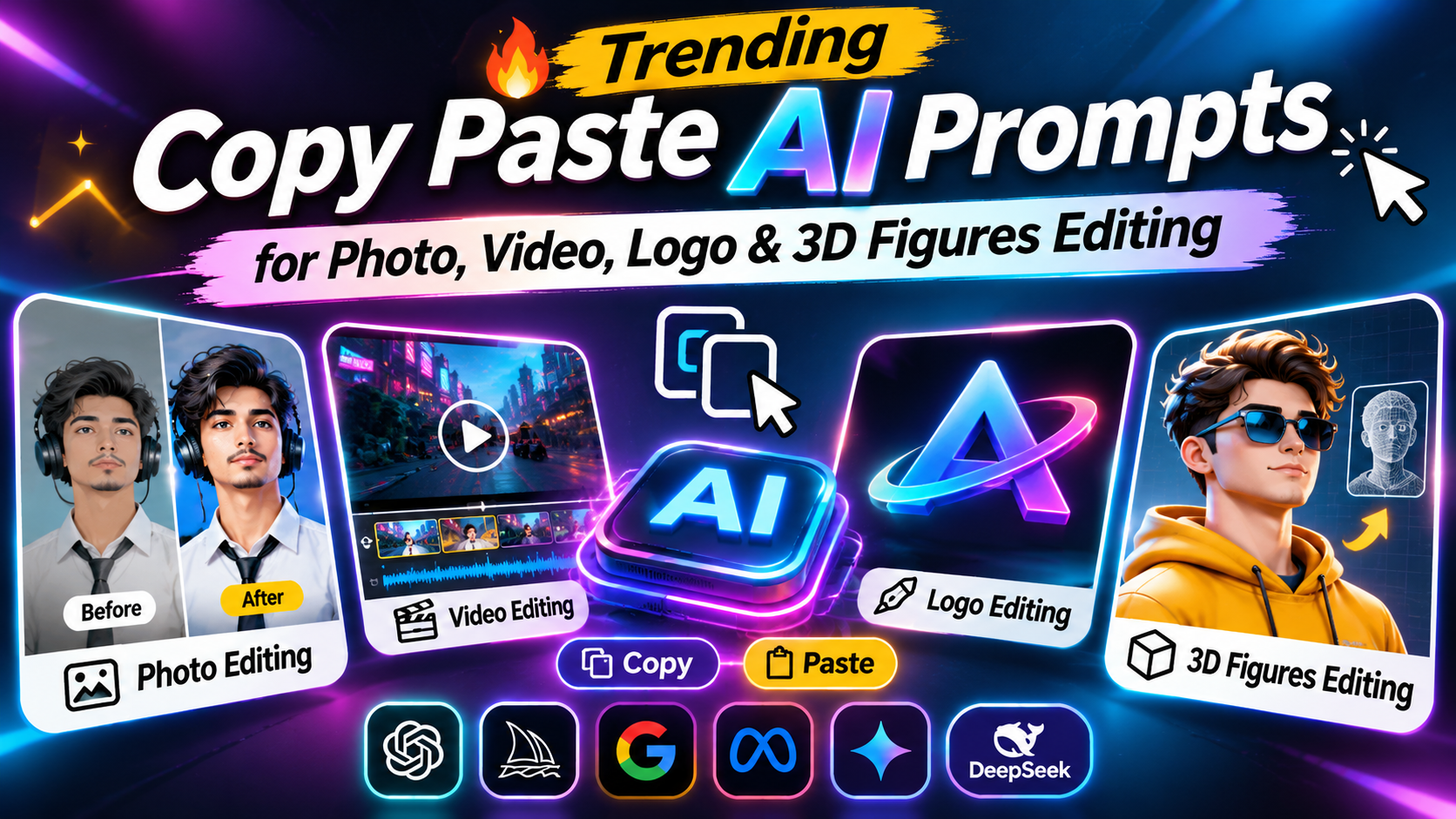
Quick answer: Trending copy-paste AI prompts are ready-made instructions you paste into an AI tool to edit photos, create video clips, design logos or make 3D figurines. This page links to four libraries of 50 prompts each, one per category, so you can copy a prompt and get a result in under a minute.
Choose your prompt category
Four libraries, one job each. Tap a category to jump to it.
AI Prompts for Photo Editing
Use these prompts to retouch portraits, change backgrounds, fix lighting and apply trending looks to your own photo. Each one tells the AI what to change and what to keep, which is the main reason edits stop distorting faces. Works best in ChatGPT image generation and Gemini (Nano Banana).
- Portrait and selfie retouching
- Background and colour changes
- Cinematic, retro and trend-style edits
Sample prompt: cinematic golden-hour portrait
AI Prompts for Video Editing
Video prompts need more than a scene. Name the subject, the motion, the camera move and the clip length. Generation prompts describe what to create, while editing prompts describe what to improve in footage you already have, so this library covers both. Try them in Veo, Sora, Kling or Runway.
- Camera moves, b-roll and cinematic shots
- Transitions, effects and colour grading
- Short-form clips for Reels, Shorts and TikTok
Sample prompt: rainy window b-roll
AI Prompts for Logo Design
A good logo prompt names the brand, the business, the style and the colours, and says what to leave out. These prompts help you explore minimal, modern, vintage and mascot directions quickly, so you can pick a direction before spending on a final design.
- Minimal and modern wordmarks
- Vintage, luxury and mascot logos
- Flat vector looks for social profiles
Sample prompt: minimal vector logo
AI Prompts for 3D Figurine & Toy Aesthetic
Turn a selfie or pet photo into a collectible figurine, action figure or toy-box scene. This is one of the most shared AI image styles, and the result depends on clear details: the base, the packaging, the finish and the lighting.
- Collectible figurines and action figures
- Toy-box and packaging scenes
- Chibi, vinyl and miniature styles
Sample prompt: collectible figurine in a toy box
Which category and AI tool should you pick?
| Category | Best for | Tools to try | Library |
|---|---|---|---|
| Photo editing | Portraits, backgrounds, trend edits | ChatGPT, Gemini | Photo prompts |
| Video editing | Shots, camera moves, effects, short clips | Veo, Sora, Kling, Runway | Video prompts |
| Logo design | Brand marks, wordmarks, mascots | ChatGPT, Gemini, Ideogram | Logo prompts |
| 3D figurine | Action figures, toy boxes, collectibles | ChatGPT, Gemini | 3D figurine prompts |
How to use a copy-paste AI prompt
- Pick a prompt. Open a category library and copy the prompt that matches your goal.
- Add your details. Replace every [bracketed] part with your own brand, subject, colours or scene. For photo edits, upload a clear photo first.
- Generate and adjust. If the result is off, change one detail at a time, such as the lighting or the style, and run it again.
A reliable prompt formula: subject + action + style + lighting or camera + what to keep + what to avoid.
Not sure where to start? Pick by goal
- I want a better profile or Instagram photo
Start with AI prompts for photo editing. - I want clips for Reels, Shorts or TikTok
Start with AI prompts for video editing. - I am starting a brand or a page
Start with AI prompts for logo design. - I want the viral figurine or toy-box look
Start with 3D figurine and toy aesthetic prompts.
What makes a good AI prompt
Every prompt in these libraries is built from the same parts. Once you know them, you can edit any prompt or write your own.
| Part | What to write | Example |
|---|---|---|
| Subject | Who or what is in the result | my uploaded photo, a coffee cup, a bakery brand |
| Action or change | What the AI should do | turn into, add, replace the background |
| Style | The look you want | cinematic, flat vector, glossy PVC toy |
| Light or camera | How it is lit or filmed | golden hour, slow dolly-in, studio light |
| Keep | What must not change | keep my face, skin tone and pose the same |
| Avoid | What to leave out | no text, no extra fingers, no watermark |
Common mistakes and how to fix them
- The face changes. Add a keep line, use a sharp front-facing photo, and describe only the change you want.
- Text in the image is wrong. Ask for no text, then add words later in an editor, or keep the text very short.
- The video looks random. Describe one subject, one action and one camera move. Short clips of a few seconds work best.
- The logo is too busy. Ask for a simple icon, two colours, a flat design and a plain background.
- You rewrote the whole prompt. Change one detail per try so you know what caused the difference.
Use AI prompts responsibly
Only upload photos of yourself or of people who have agreed to it. Do not create images or videos that mislead people about real events or real persons. Check each AI tool’s terms before using results commercially, and search trademarks before using an AI-made logo or brand name. Where a platform asks you to label AI-made content, label it.
Frequently asked questions
What are trending copy-paste AI prompts?
They are ready-made text instructions you paste into an AI tool such as ChatGPT or Gemini to edit a photo, create a video clip, design a logo or turn a selfie into a 3D figurine. You only swap the bracketed details for your own.
Which AI tool is best for photo editing prompts?
ChatGPT image generation and Gemini (Nano Banana) both accept a reference photo plus a text prompt, so they suit portrait edits, background changes and trend styles. Try the same prompt in both and keep the better result.
Can I use the same prompt in ChatGPT and Gemini?
Mostly yes. The wording works across tools, but each model reads details differently, so results vary. If an output is off, change one detail at a time instead of rewriting the whole prompt.
How do I keep my face the same in an AI photo edit?
Upload a clear, front-facing photo and state it directly, for example: keep my face, skin tone and pose exactly the same. Then describe only what should change, such as the background, light or outfit.
Can I use an AI-made logo for my business?
Check the terms of the AI tool you used, and search existing trademarks before you commit to a name or mark. Use the logo prompts as a starting point, then have a designer refine the final version if the brand matters.
How often are these prompt libraries updated?
The libraries are refreshed as new AI trends appear. The last-updated date at the top of this page shows the most recent change.
Why does my AI result look different from the example?
Results depend on the tool, the model version and the quality of your reference photo. Use a sharp, well-lit photo, keep the keep and avoid lines in the prompt, and change one detail at a time.
Do I need a paid account to use these prompts?
The prompts are free to copy. Whether you can generate images or videos for free depends on each AI tool’s current plan, so check the tool’s own pricing page.
About the author
How this page is kept up to date
The four libraries are refreshed when new AI image and video trends appear, and this page is updated whenever a library changes. The date at the top shows the latest update. Prompt results vary by tool and model version, so treat every prompt as a starting point and adjust it for your own photo, brand or scene.
Last updated November 13, 2026.